
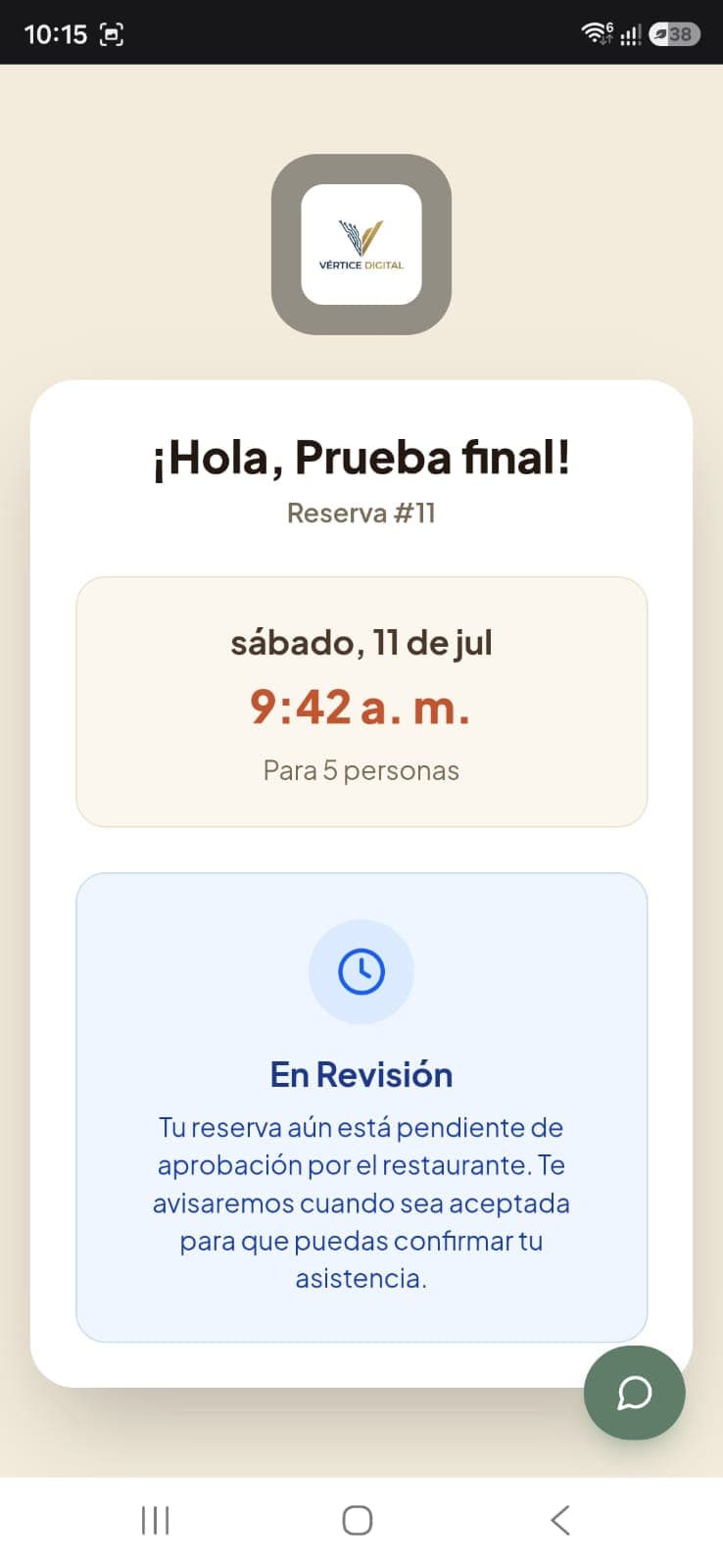
Customers track their reservation
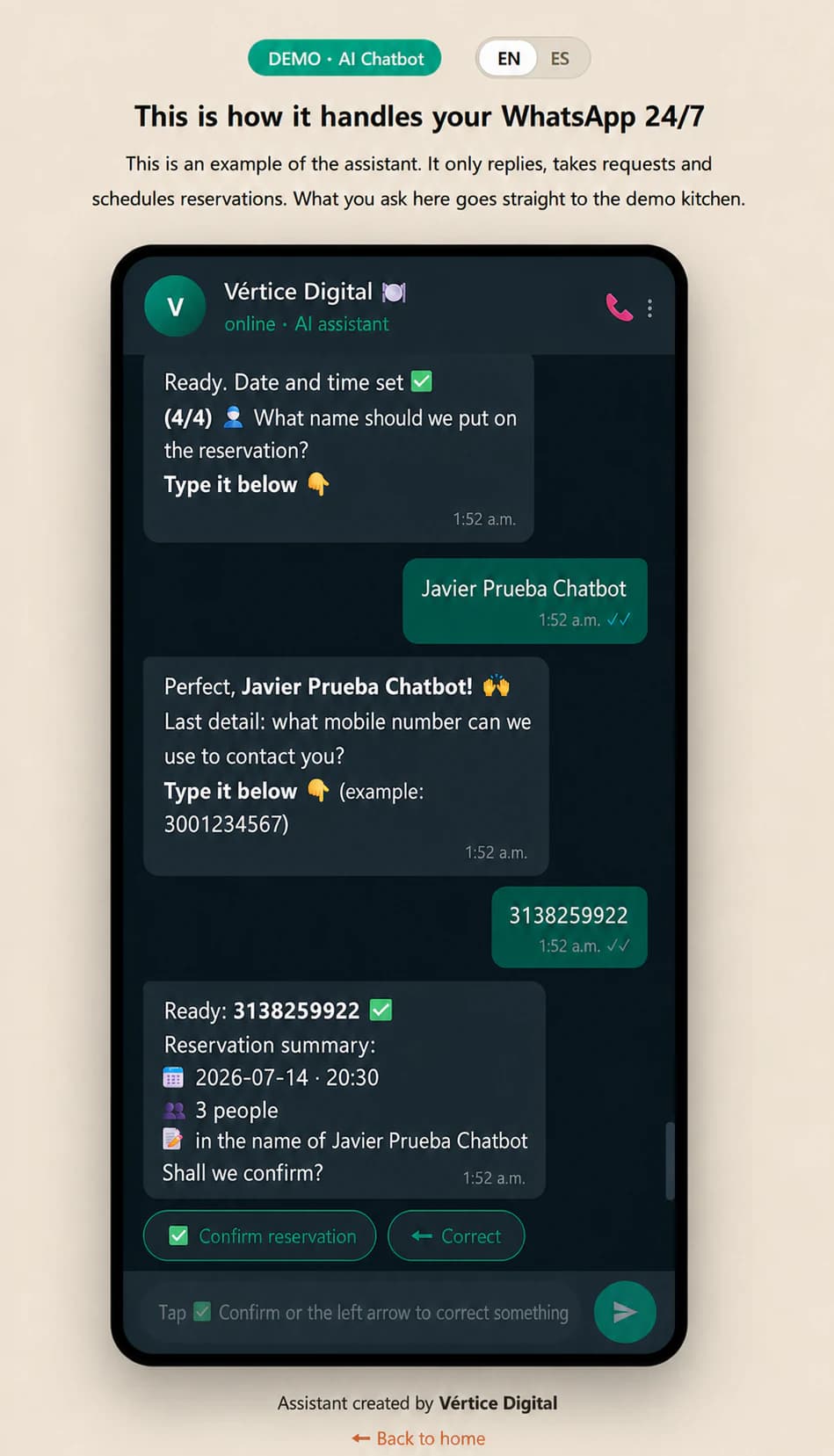
After booking, they receive a personal link to check the date, time, party size and approval status without calling the restaurant.
Vértice POS · Complete restaurant operations
From the customer menu to end-of-day checkout: orders, floor plan, kitchen, reservations, inventory and reports working on the same operation.
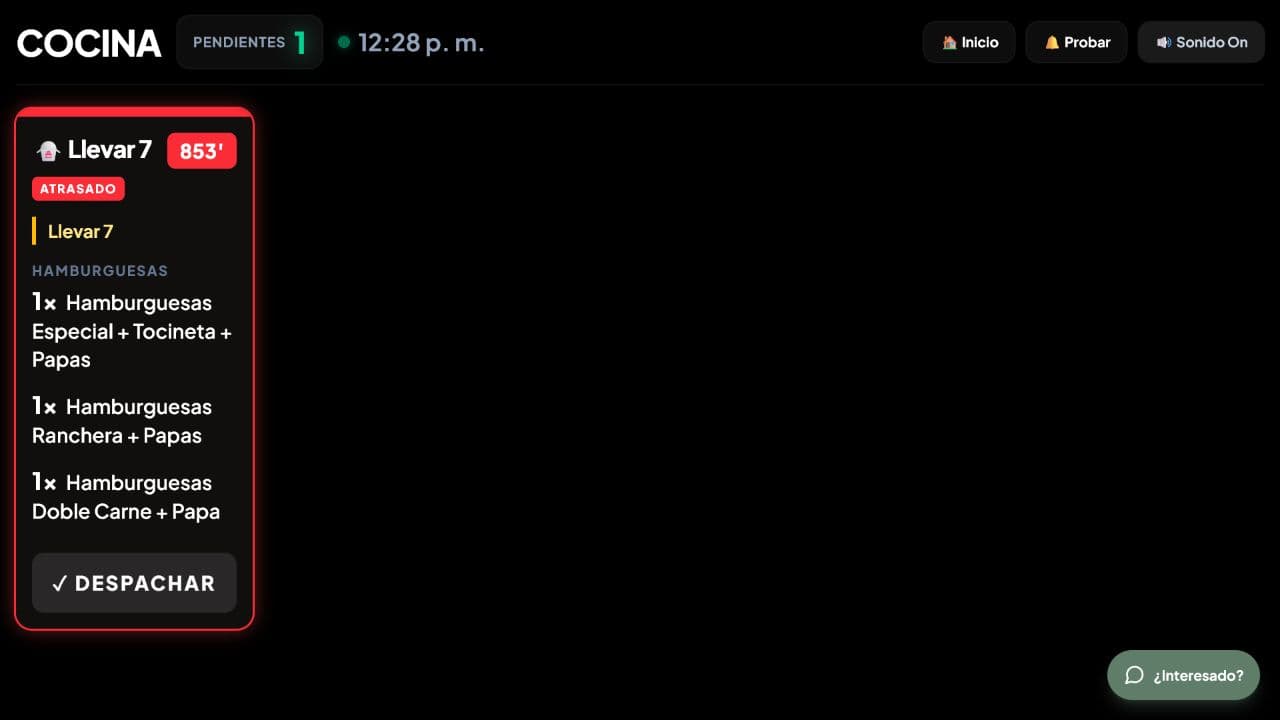
Connected operation
Customer · Kitchen · Checkout
A real product, not a mockup
These are real screens from the demo. Switch modules and follow the complete customer, staff and management experience.
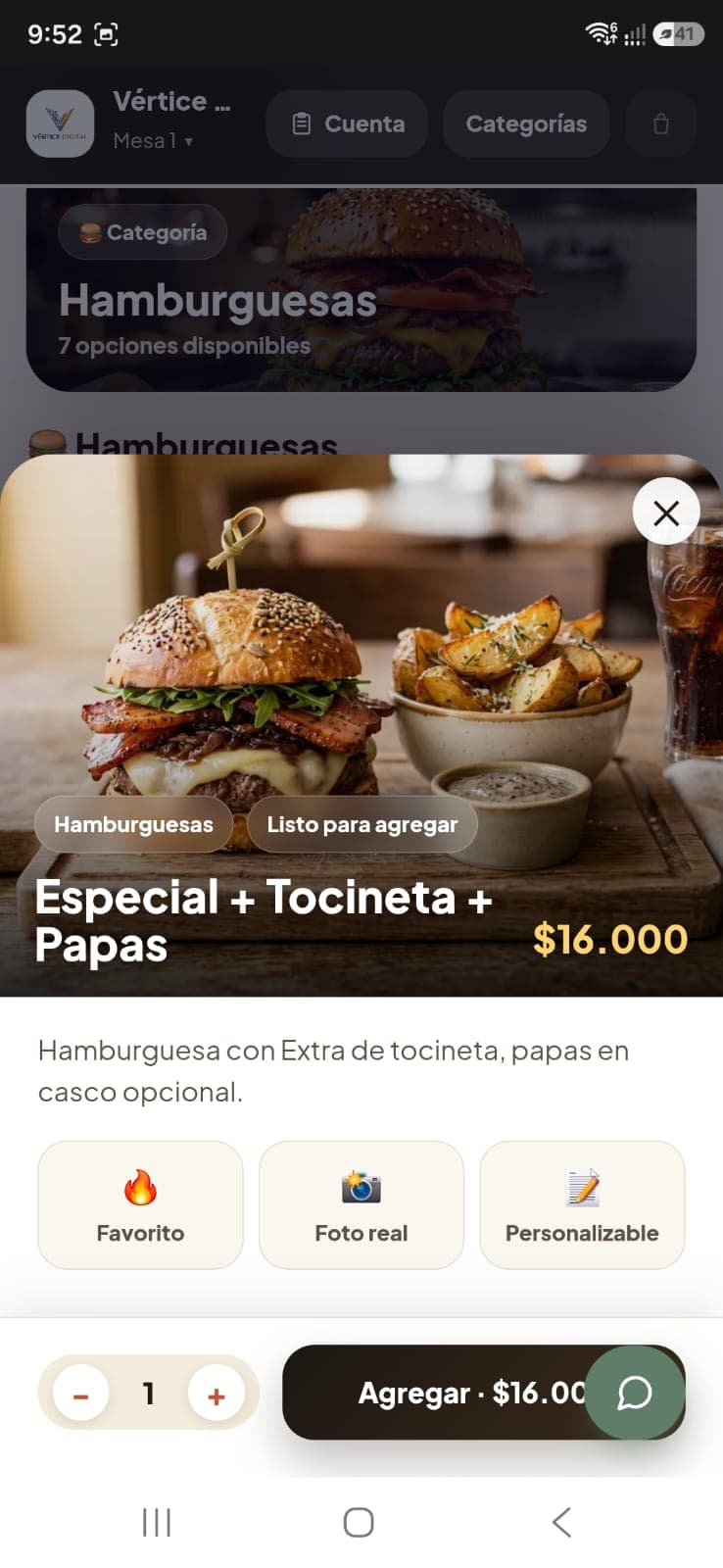
Customer experience
Customers see real photos, categories, prices and options on their phone. The table is preselected by the QR code.
An experience for every role
Customers, servers and checkout work on the same order, while each person gets an experience designed for their moment and permissions.
After booking, they receive a personal link to check the date, time, party size and approval status without calling the restaurant.
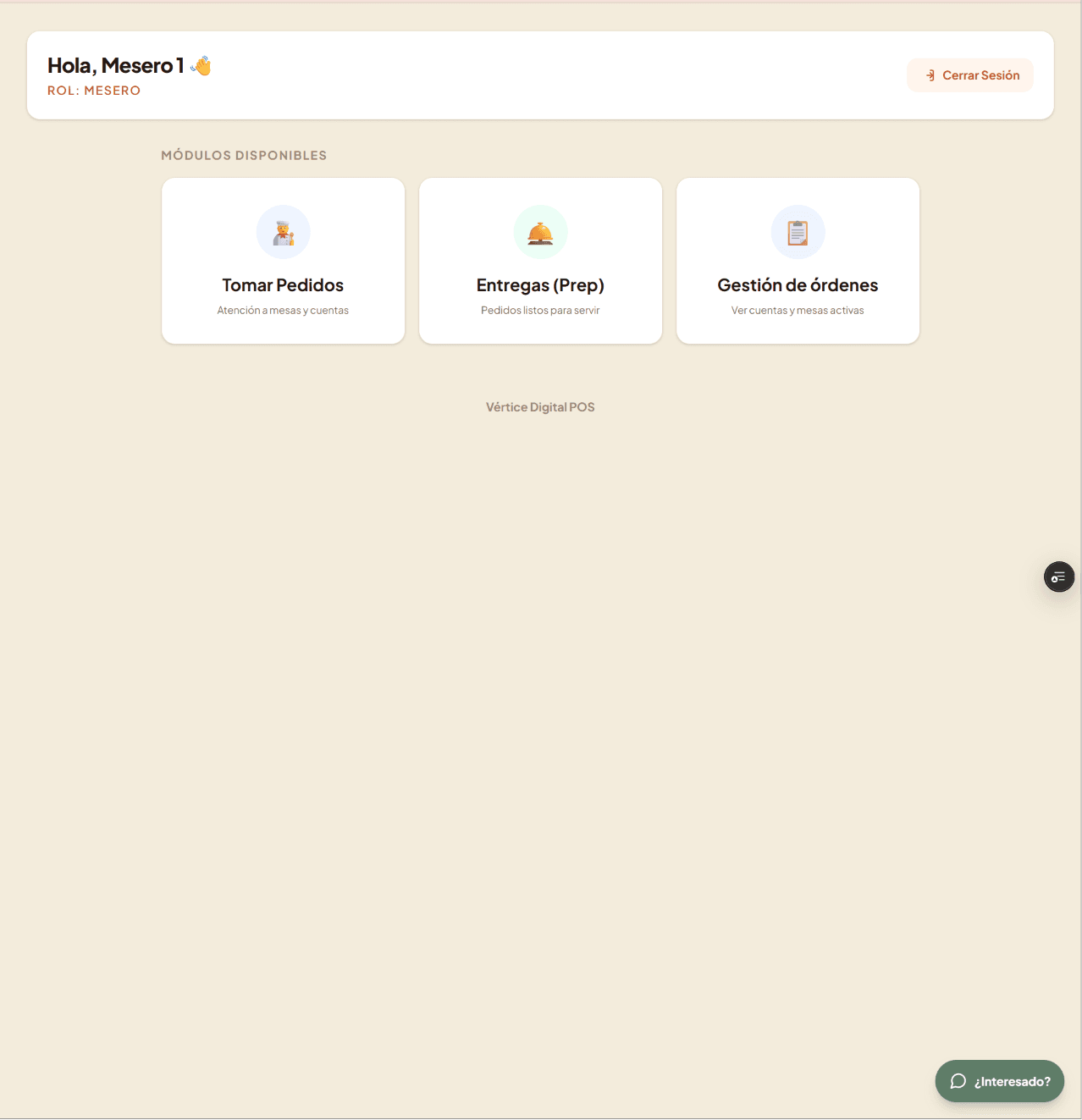
Their access only shows order taking, deliveries and order management. Fewer distractions and a shorter learning curve.
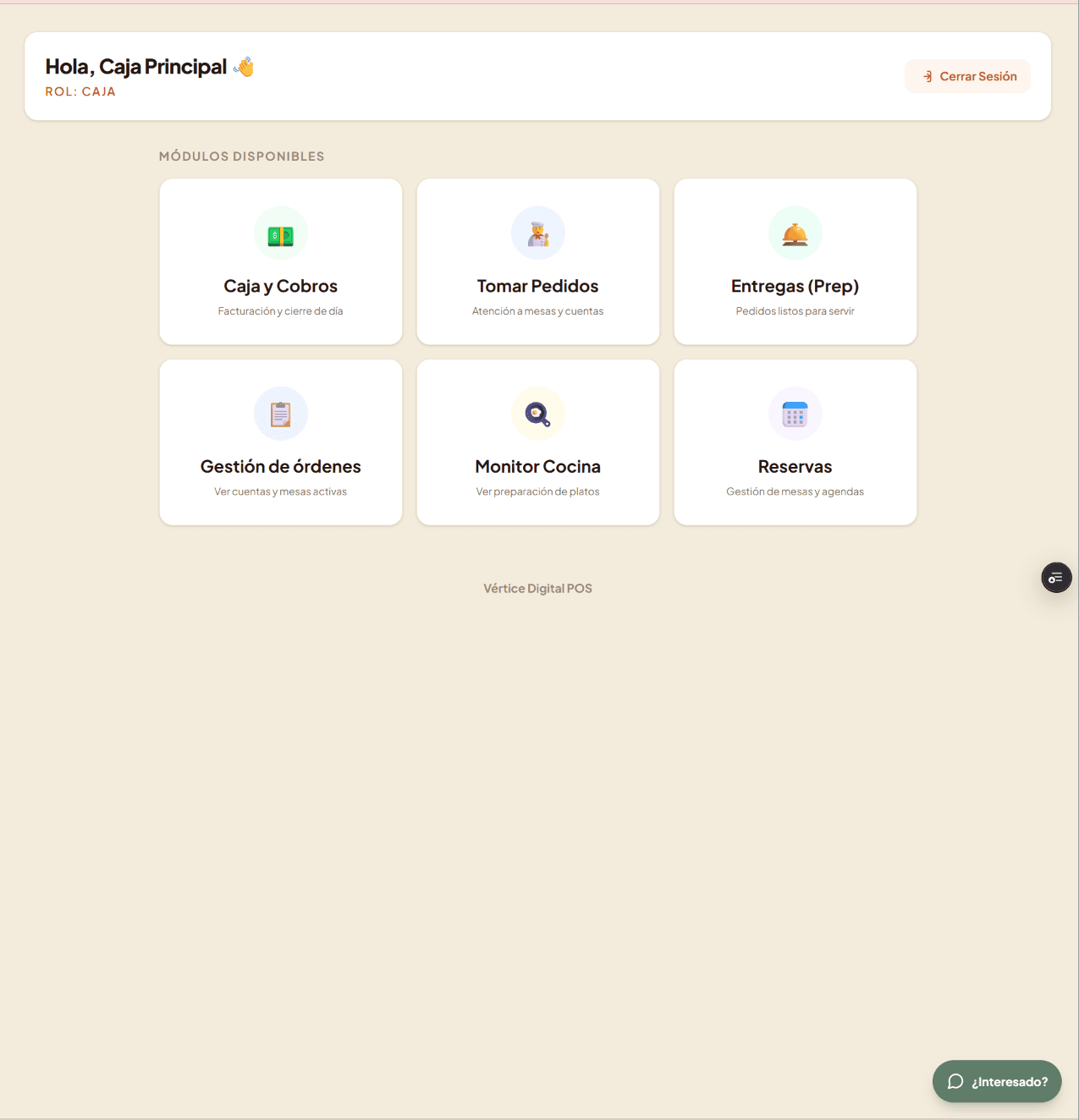
The checkout role adds access to payments, reservations, kitchen and active bills without entering the management panel.
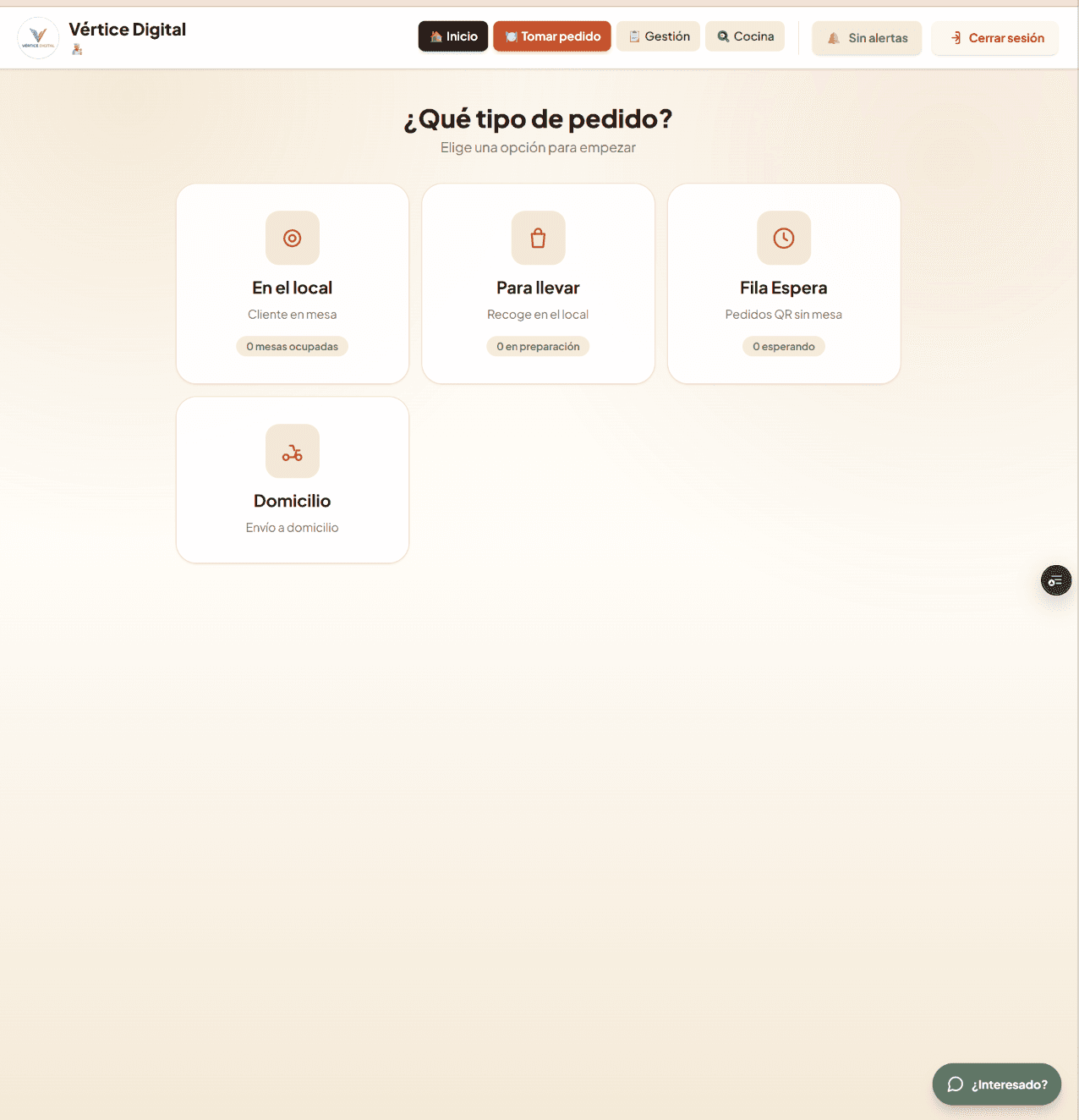
One place to start
Dine-in, takeaway, waitlist and delivery all start on the same screen and stay connected through preparation, handoff and payment.
New feature · AI chatbot
The assistant talks with customers, takes orders, books reservations and sends every request into the same Vértice POS operational flow.
 The reservation reaches management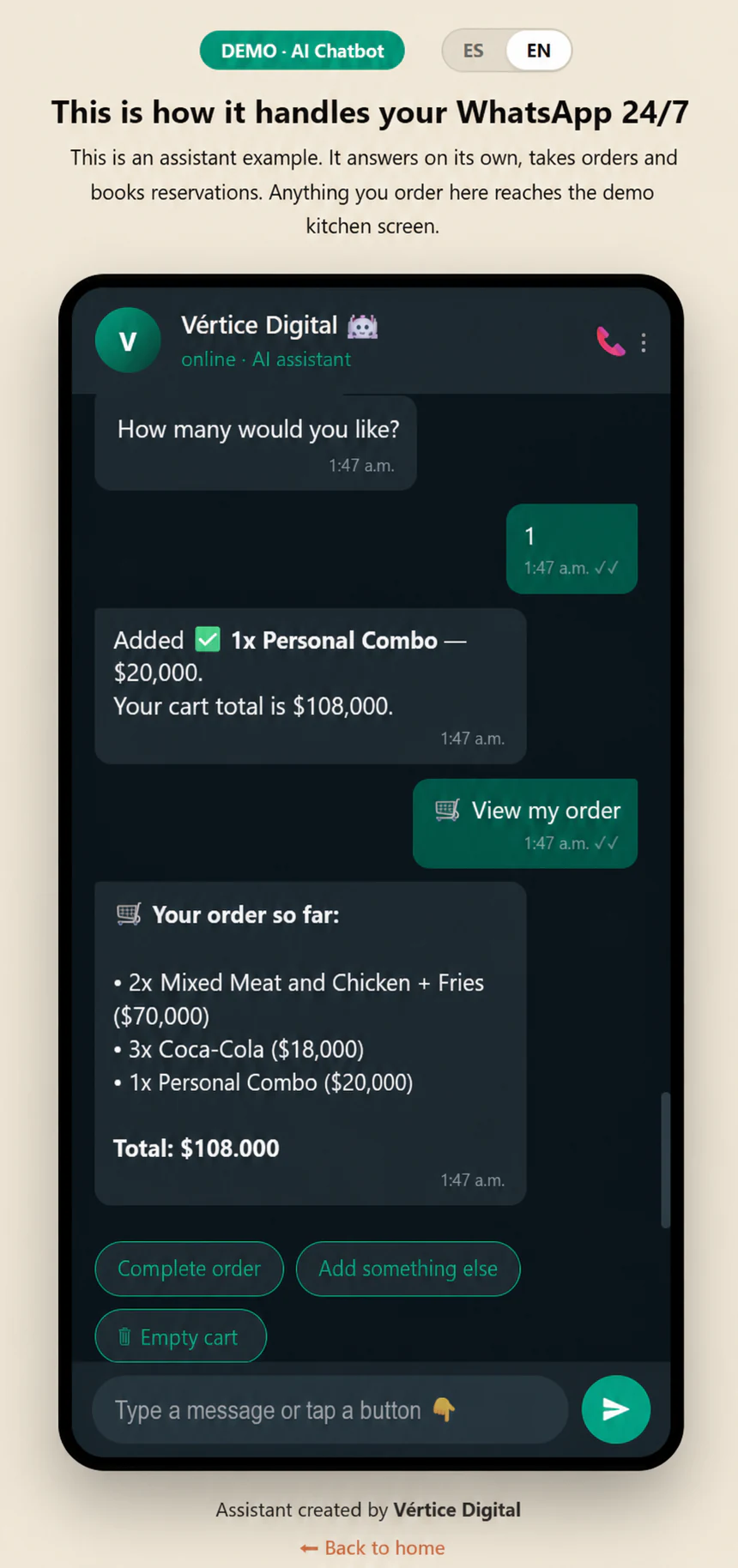
Vértice POS
They scan the QR, explore the menu, select their table or make a reservation from their phone without installing anything.
Servers, floor staff and kitchen receive the same information in real time without retyping orders.
Checkout, inventory and reports show what sold, how it was paid and what needs attention.
Impact from day one
One flow for customers, WhatsApp, kitchen and management.
FAQ
No. The QR menu is the customer's entry point, but the system also includes floor plan, orders, kitchen, checkout, reservations, inventory, table QR codes and reports.
Yes. The assistant can take orders and reservations, and the information reaches Vértice POS operational modules without being entered again.
No. Orders arrive at your current WhatsApp or WhatsApp Business number.
Just your menu (photos and prices). We set everything up and deliver a print-ready QR code.
A few days from the moment you send us your menu. We confirm it in the proposal.
Yes, from your phone in seconds, without depending on anyone.
Setup is a one-time payment. The maintenance and improvements plan is optional.
Yes. The same menu works for delivery: share the link on social media or WhatsApp status.
Tell us how you work today and receive a clear proposal with a demonstration focused on your operation.
Get a quote on WhatsApp